Appearance
Workouts
Workouts has three parts:
- Today: what is assigned for today, if anything.
- Next up: what is coming.
- History: everything you have completed.
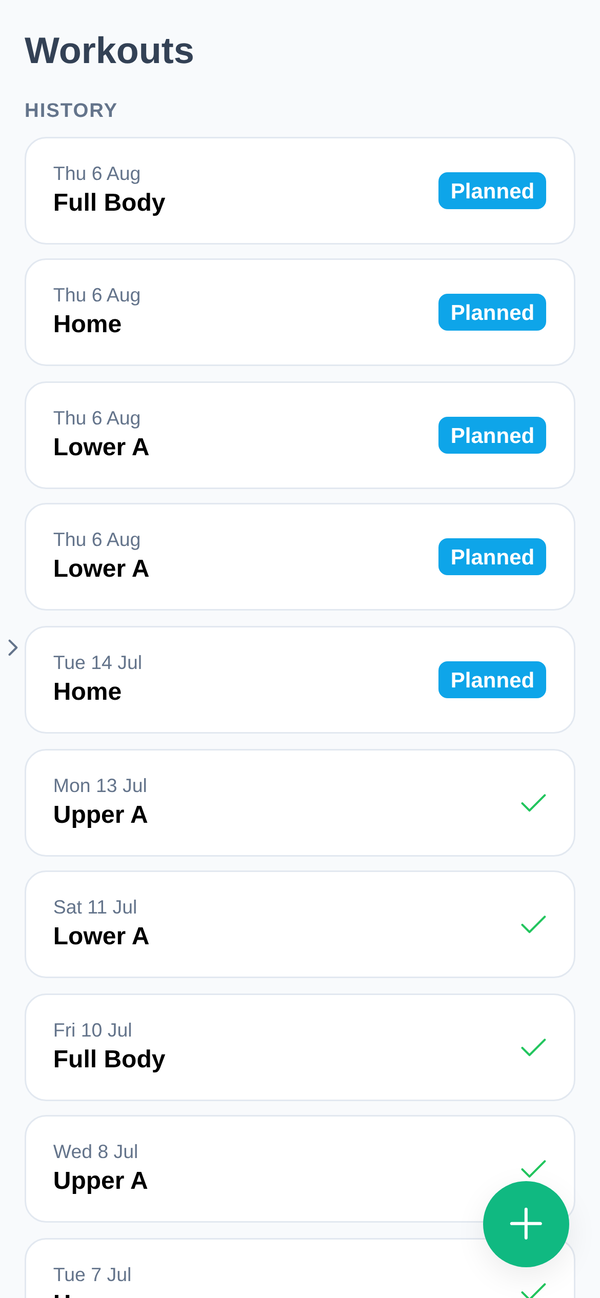
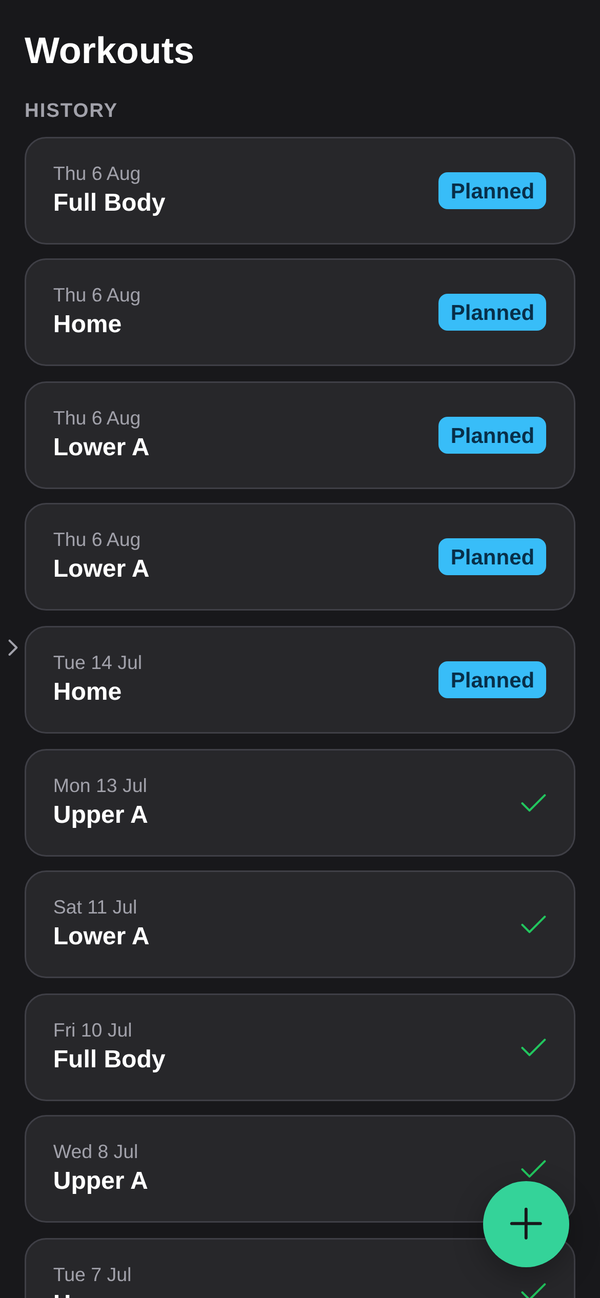
If History says "No completed workouts yet", nothing has been finished on your account yet. That is the starting state, not a fault.
Doing a workout
Open the workout and work down it. Log your sets as you go, weight and reps against each exercise, and the app keeps your previous numbers for the same exercise in view so you can see what you did last time without going hunting.
A workout you have started but not finished stays in progress, and a banner carries it across the app so you can leave the screen and come back to it.
Logging something that was not assigned
Not every workout comes from your program. The + button has Log a workout, which asks where it happened:
- In gym: pick one from your program, or build your own.
- Other: anything else, such as snowboarding, hiking or walking. You give the activity and how long it took.
Either way it lands in your history and on your calendar like any other workout.
Attaching a workout to a booked session
Booked sessions and workouts are separate records. One is time at the gym, the other is what you did. To connect them, open the session in your calendar and choose Add a workout. This is also offered right after an Open Gym booking. See Bookings and Open Gym.
Attaching is optional. It is what makes your history read properly later.
Exercises you do not recognise
Exercises come from your gym's library, and your coach chooses them. If an instruction is unclear or an exercise does not suit you, tell your coach. Substituting an exercise is a coaching decision, not a support one.
Where completed workouts show up
A finished workout appears in History, on your Calendar for that day, and in Recent Activities on your dashboard. If it counts toward a challenge you have joined, it feeds that too. See Challenges and rewards.