Appearance
Progress
Progress is every number the app tracks about you, plotted over time. Pick a metric from the list on the left, and the chart and the underlying entries appear on the right.
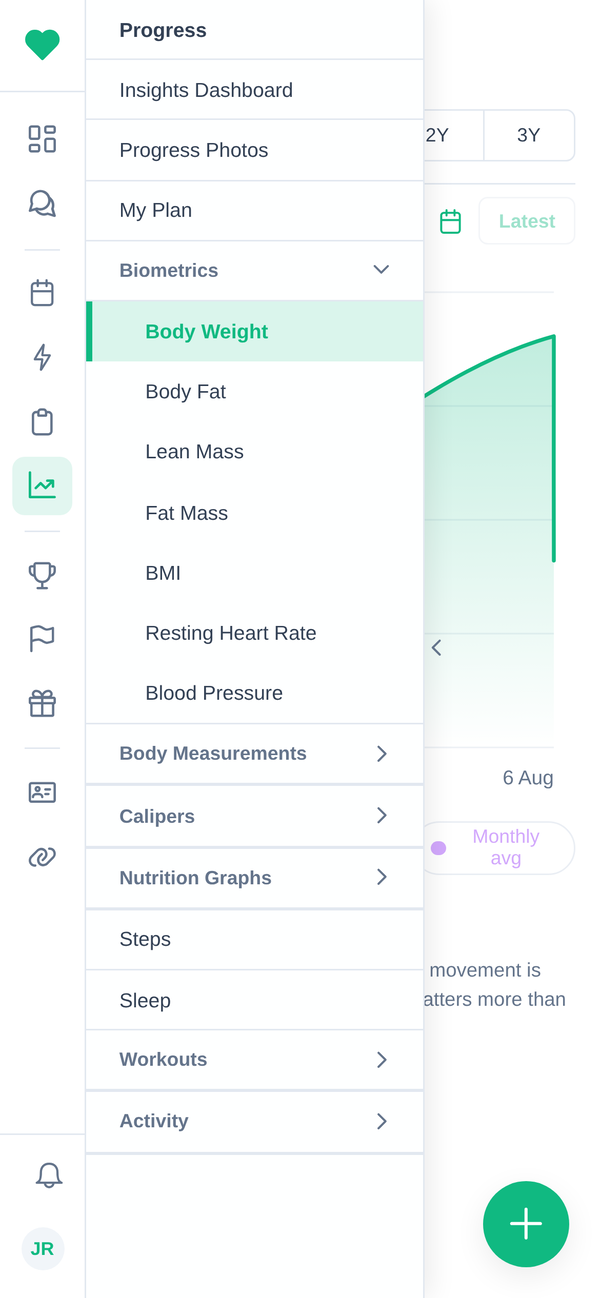
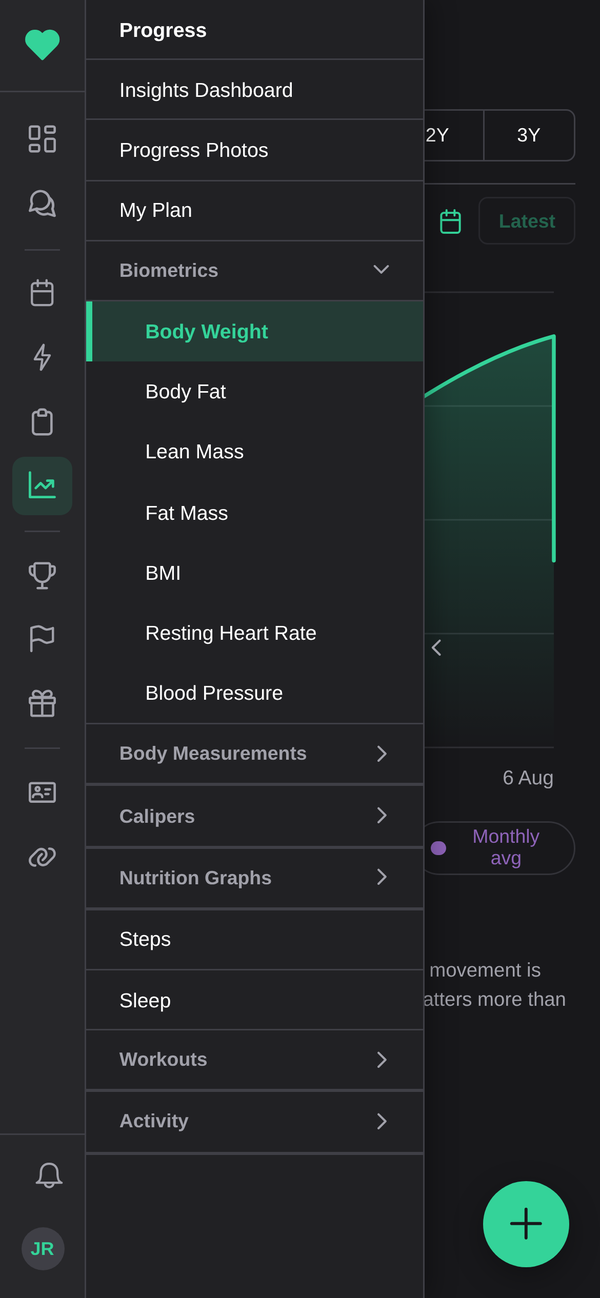
On a phone the metric list is a drawer. Swipe right to open it, pick a metric, then swipe left to put the chart back to full width. See Getting around.
What is tracked
| Group | Metrics |
|---|---|
| Biometrics | Body weight, body fat, lean mass, fat mass, BMI, resting heart rate, blood pressure |
| Body measurements | Neck, shoulders, chest, biceps, forearms, waist, hips, thighs, calves, with left and right tracked separately |
| Calipers | Body fat %, chest, tricep, subscapular and the rest of the skinfold sites |
| Activity | Cardio, strength and conditioning, mind and body |
| Nutrition | Calories in, caloric burn, and the two compared |
| Steps | Daily step count |
| Sleep | Hours slept |
| Workouts | Volume and output per exercise |
Not every metric will have data. A metric only gets a line once something has recorded a value for it, whether that was you, a coach, or a connected app.
Adding an entry
Use the + button. You can log a value against any date, so catching up on a week you forgot works fine.
Numbers coming from a connected app arrive on their own. See Integrations. Where both exist for the same day, an entry you typed in yourself is kept, because connected data does not overwrite you.
Nutrition
Choosing Calories Intake switches to the nutrition view: your month at a glance, your goal, and a Macro Distribution breakdown of protein, carbs and fat.
Nutrition data comes from a connected app rather than being typed in here, so "No nutrition logged this month" usually means MyFitnessPal, Cronometer or FatSecret is not connected, or has not synced yet. See Integrations.
Changing the units
Weight, distance and body measurements each have their own unit setting, so you can keep kilograms with centimetres, or pounds with inches. They are under Settings → Preferences. See Account settings.
Changing a unit converts the display, not the stored data. Nothing you have already logged is altered.
Progress photos
Photos live under the Progress Photos section. Add photos walks you through it, and the app asks how you are taking them, because consistency is what makes them worth having:
- Tripod or stand: four shots, turning a quarter-turn each time.
- Mirror: one front-on shot.
Same spot, same light, same time of day, and a month of photos tells you more than the scale does.
Your photos are visible to you and to the staff at your gym. They are not shown to other clients, and they never appear on a leaderboard or in a challenge.
To remove one, open it and delete it.
Insights and My Plan
Two extra tabs sit alongside the metrics:
- Insights dashboard: the app's read of your recent weeks, covering your program, weekly compliance, what is scheduled and what you have actually done, rather than one metric at a time.
- My Plan: what your coach has set out for you.
Both are generated from data already in your account. If one looks empty, it is waiting on data rather than broken.