Appearance
Connecting a wearable or nutrition app
Connecting an app you already use means your numbers arrive on their own instead of being typed in twice.
Open Integrations and choose a provider.
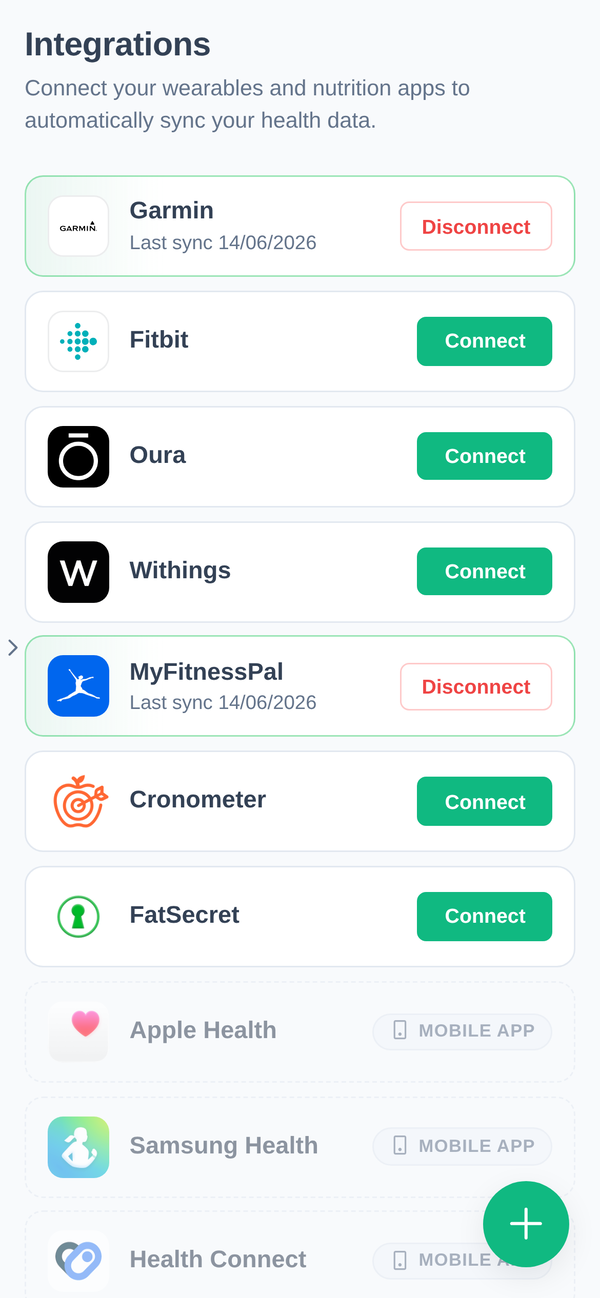
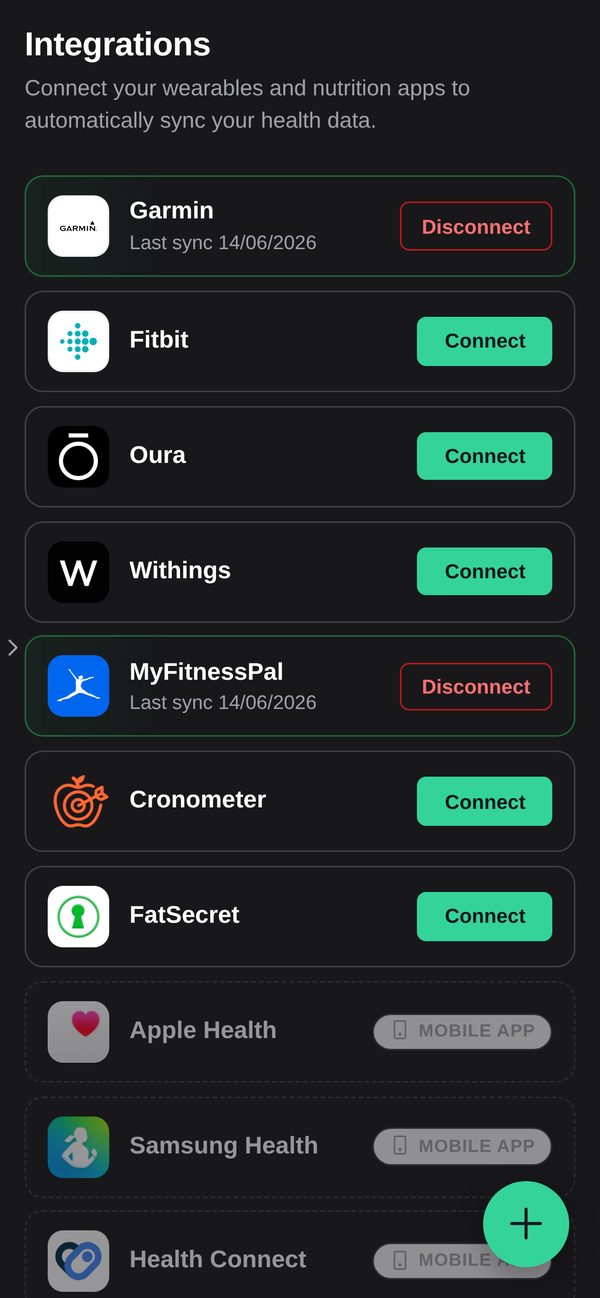
| Wearables | Fitbit (through Google Health), Oura, Withings |
| Nutrition | MyFitnessPal, Cronometer, FatSecret |
| Phone health platforms | Apple Health, Samsung Health, Google Fit, Health Connect |
How connecting works
Choosing Connect sends you to the provider's own site to sign in and approve access, then returns you to the app. You type your password into their page, never into ours. We never see it, and we cannot post to your account or read anything you did not approve.
Disconnect ends it from our side. To revoke it from theirs as well, remove the app in the provider's own account settings.
Phone health platforms are mobile only
Apple Health, Samsung Health, Google Fit and Health Connect read data from the phone itself, so they connect only from the mobile app: Apple Health on an iPhone, the other three on Android.
They also need permission from the phone's own health app, granted separately from anything in our app. On iPhone that is Settings → Health → Data Access & Devices. On Android it is the Health Connect app.
When data shows up
Not instantly. Data arrives after your device or app has synced with the provider and the provider has passed it on to us, which is usually within a few hours. A workout you finished five minutes ago will not be there yet.
When you connect, we ask the provider for your history too: everything since the last day we already have that kind of data for, up to six months back. How much comes back depends on the provider — some keep years, some only a few weeks. A phone health platform's history stays on the phone, so connecting one brings in only what happens from then on.
If you moved over from Trainerize
If your devices used to reach your coach through Trainerize, they stopped on the day you moved to this app. Integrations shows a note listing them until you connect something here. Connect them, and we ask for what you missed since.
A connection stopped working
If a connected app has sent nothing for three days, Integrations says No data since and the date beside it, with a reconnect link (for a phone health platform, reconnect it from the app on that phone). A device you have not worn or synced looks exactly the same, so check that first.
Providers expire access periodically, and some do it on a fixed schedule whether or not anything is wrong. Reconnect is the fix, and it is the first thing to try before contacting us. Reconnecting also asks for days still missing since the last data we have.
What we receive
Only the categories the integration is built to read: body and activity measurements, workouts, nutrition entries, sleep and heart-rate data, depending on the provider. It goes into your account and is visible to you and to the staff at your gym, the same as anything you enter by hand.
Disconnecting stops new data. It does not delete what has already arrived. For that, ask us to remove it: contact support.