
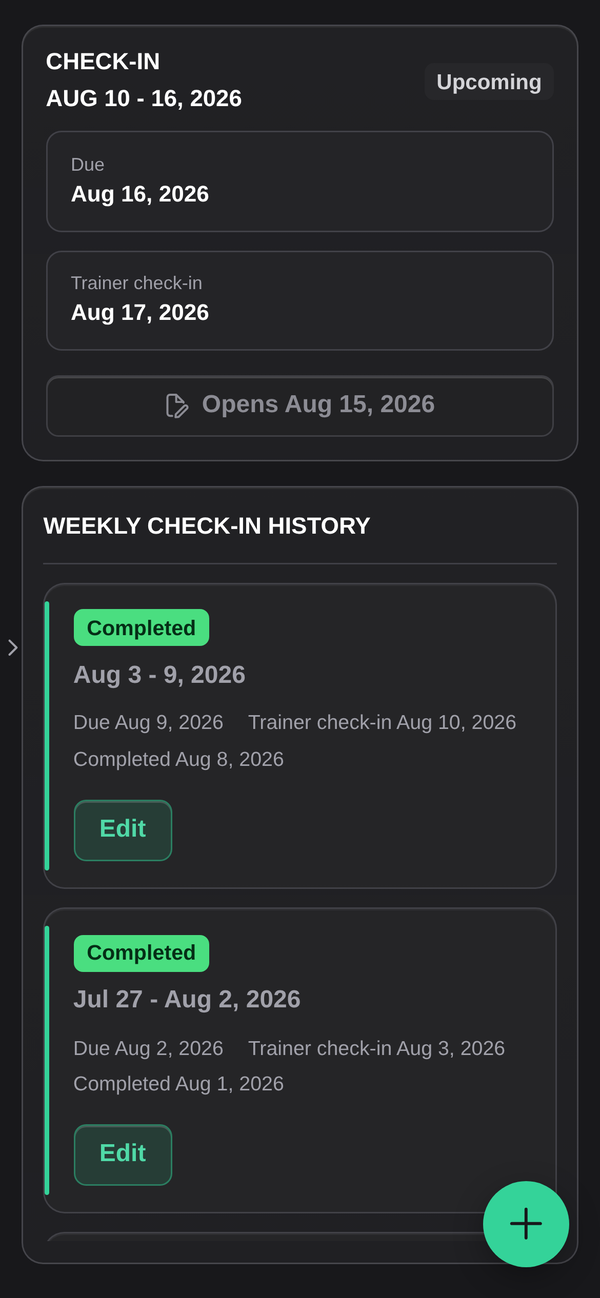
Appearance
Check-ins
A check-in is the regular catch-up between you and your coach: how the week went, how you felt, what got in the way. Your gym sets the schedule, weekly being the usual pattern, and each one appears in Check-ins as its own card.
Filling one in
Open Check-ins and pick the card at the top. The button tells you where that check-in stands:
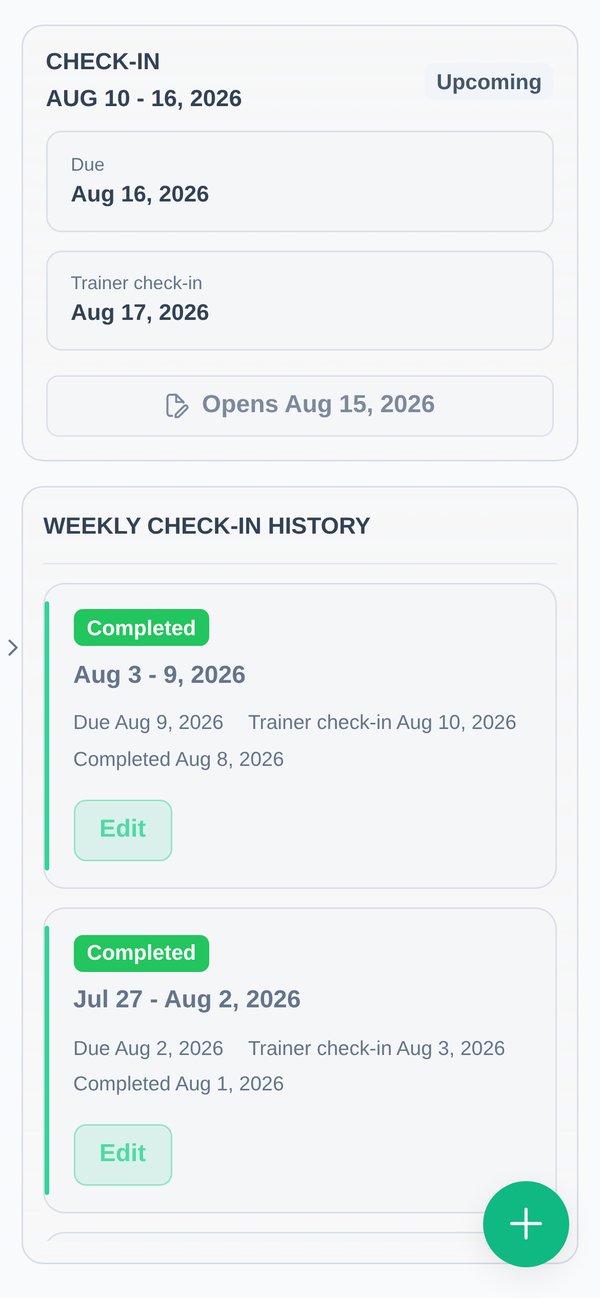
| Button | What it means |
|---|---|
| Complete form | It is open now. Fill it in. |
| Opens 12 March | Not open yet. It unlocks on that date. |
| Complete late | The window has passed, but you can still submit. |
| Edit form | You already submitted. You can still change your answers. In the history list below, the same button is just labelled Edit. |
Your answers save when you press Save form. You can reopen a completed check-in and change it. Nothing is locked once submitted.
If you see "No check-ins scheduled yet", your gym has not started a check-in schedule on your account. That is a question for your coach, not for us.
Trainer check-ins
Some cards are marked Trainer check-in. Those are written by your coach about your progress, rather than by you. You can read them. There is nothing to fill in.
Recordings
Where your gym uses them, a check-in can include an audio or video recording instead of, or as well as, the written answers. The first time you record, your phone or browser asks for permission to use the microphone and camera. If you refuse, the recorder cannot work. See Troubleshooting to undo that.
Recordings are for your coach and the staff at your gym. They are not public and they are not shared with other clients.
Missing one
Nothing is taken away if you miss a check-in. The card stays available and switches to Complete late, and your history keeps a gap for that week. Filling it in late is better than skipping it, because your coach is reading these for the trend, not the punctuality.
History
Scroll past the current card for your full check-in history, newest first. Each entry opens read-only so you can look back at what you wrote.