
Appearance
Account settings
Everything here is under Settings.
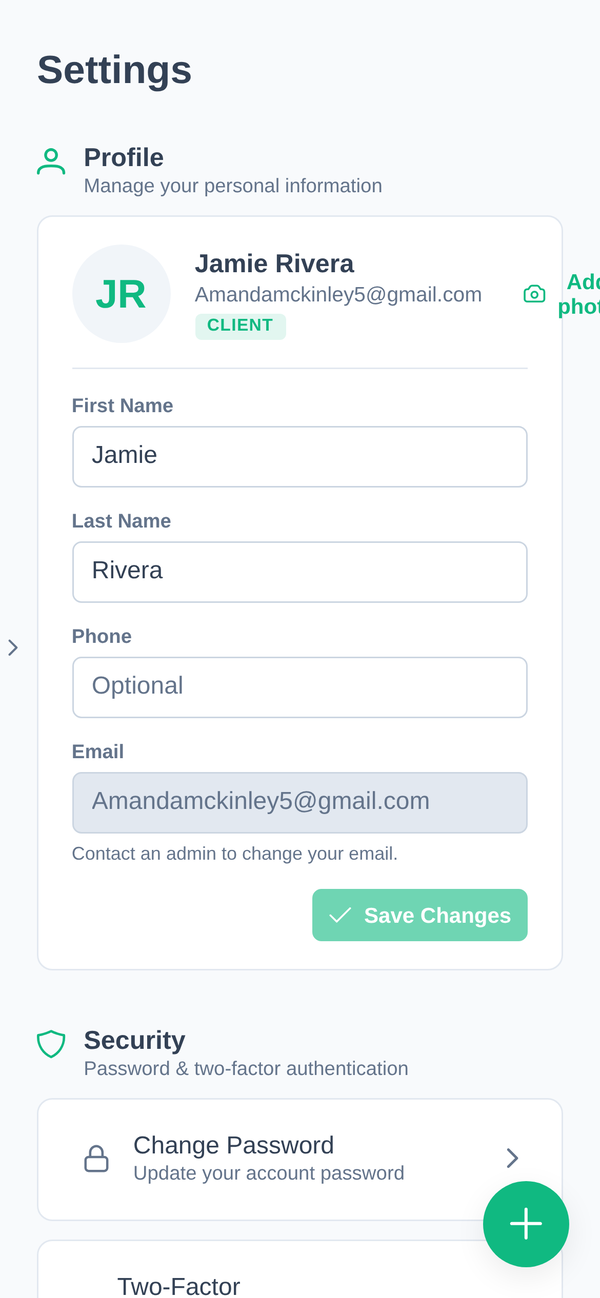
Profile
First name, last name, phone, and your profile photo. Save Changes applies them.
Your name updates everywhere at once, including anywhere it already appears, such as your recent activity.
Email cannot be changed here. It is your sign-in identity, so your gym changes it for you. The screen says as much: "Contact an admin to change your email."
To remove your profile photo, use Remove next to it.
Security
Change Password updates your password. Doing so signs out every other device and clears every trusted device on the account, which is exactly what you want if you are changing it because you are worried about someone else.
Two-factor authentication can be set up two ways:
- App: an authenticator app on your phone generates the code.
- Email: we email you the code.
The app is the stronger of the two, because the code never travels anywhere and so cannot be intercepted along with your email.
If both are set up, the authenticator app is used. Disable turns two-factor off, unless your gym requires it. Some accounts cannot switch it off, and administrator accounts never can.
Day-to-day sign-in behaviour, trusted devices and lockouts are covered in Signing in.
Appearance
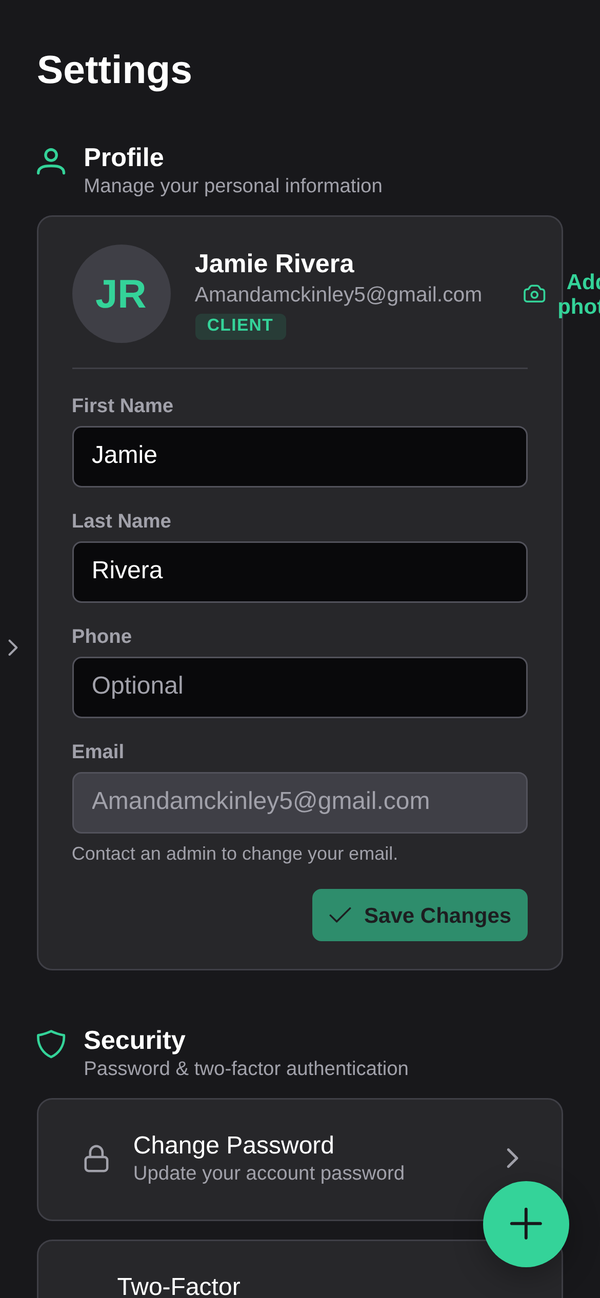
- Dark mode: switch between light and dark.
- Compact tables: smaller row heights, so more fits on screen.
Units
Three separate settings, so you can mix them however you think:
- Weight: body weight, lean mass, fat mass
- Distance: cardio, walking, cycling
- Body measurements: waist, hips, arms, legs, neck
Changing one converts what is displayed. Nothing already recorded is altered.
Notifications
Four channels, each switched independently:
| Reminders and account alerts | |
| Text message (SMS) | Where your gym has it enabled |
| Push | Alerts on your phone through the app |
| Browser | Alerts on your desktop. Needs Enable and the browser's own permission |
Switching a channel off here stops those notifications regardless of what your phone allows. Switching it on is not enough on its own, because your phone or browser has to permit it too. See Troubleshooting.
Deleting your account
There is no delete button in the app. Ask us or ask your gym. See Contact support.